How to Manage Contributors in Squarespace
Learn How to Remove or Invite a Contributor to Your Squarespace Website
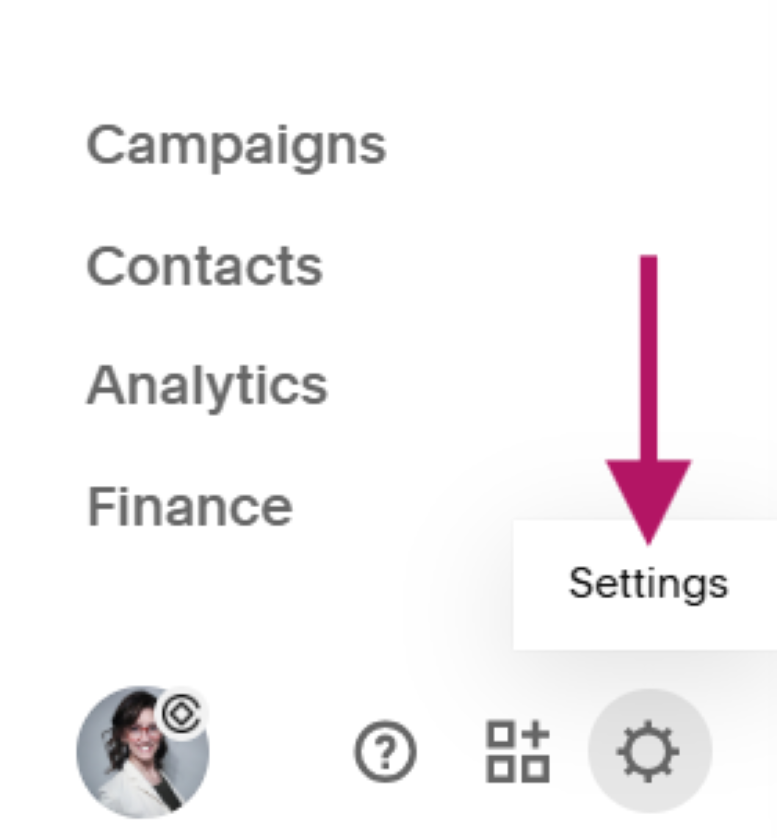
From your website left navigation dashboard, select the Settings gear icon.
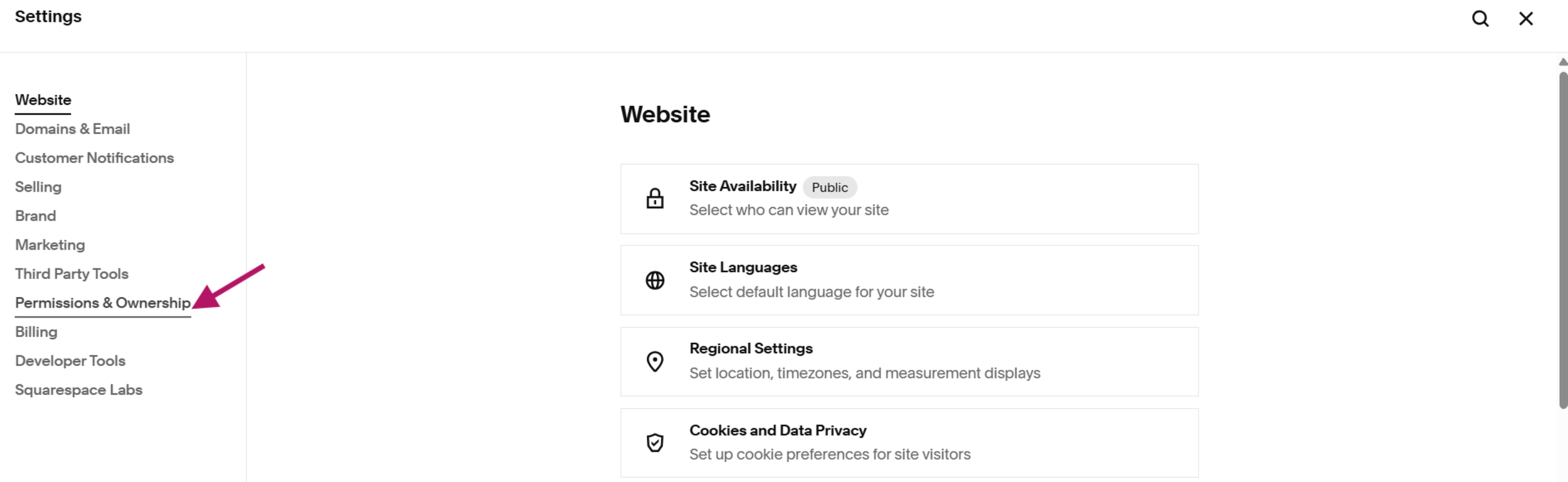
2. Select Permissions and Ownership
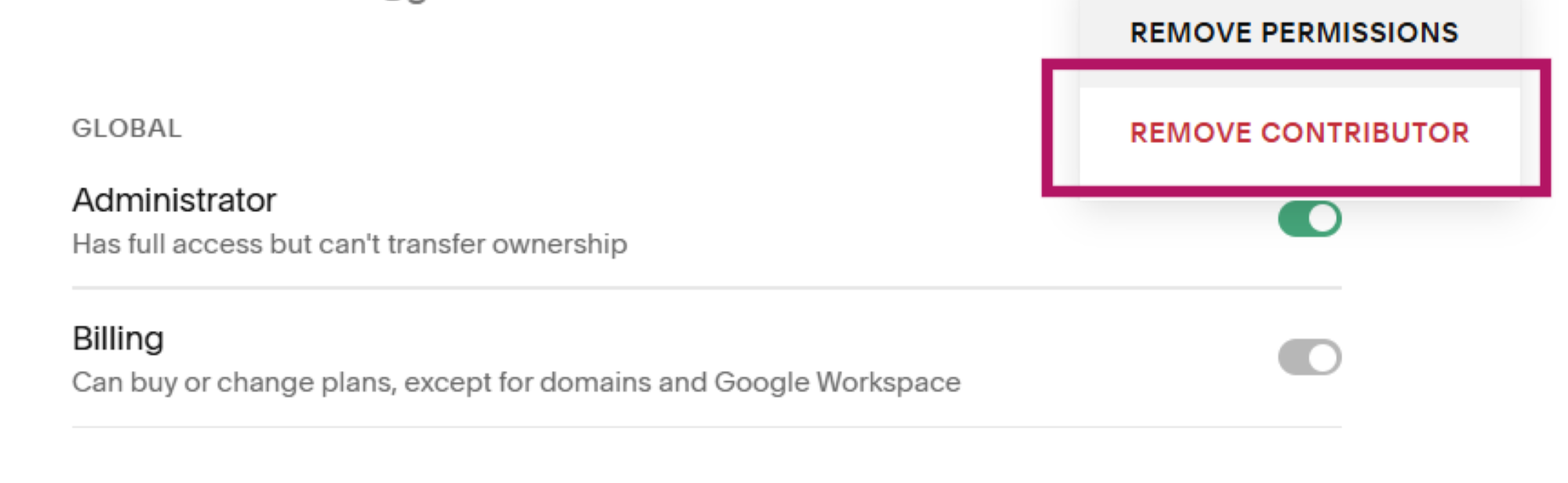
3. Select the Contributor you’d like to remove. This is also where you come to edit their permissions.
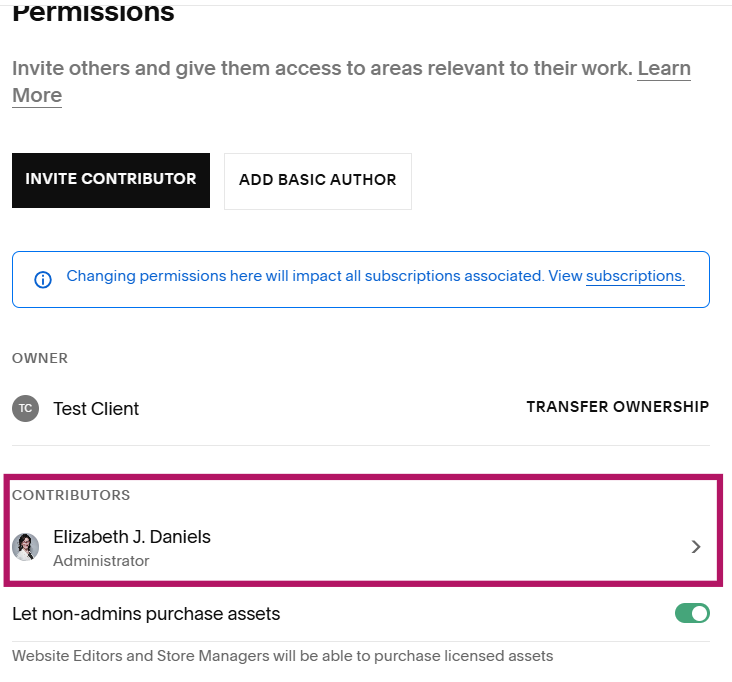
4. Select Remove Contributor. This is also where you can edit their permissions.
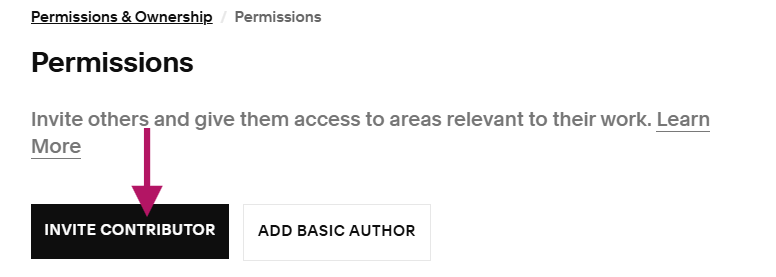
5. Permissions and Ownership is also where you can invite a new contributor by selecting the Invite Contributor button and following the prompts.